

Start with what the page actually explains
Search information should describe the page a visitor is about to open. Give the home page a clear service focus, then let an about page, a pricing page, and individual guides answer different questions. Avoid copying the same headline and description to every URL. Google recommends descriptive, concise titles and warns against repeated keyword variations. A useful title combines the page’s purpose with the brand; it does not need to read like a list of search phrases.
Edit search information before or after publication
NSFWON provides search and sharing settings for the project’s actual pages. Select the page, enter its search title and description, and save. You can revisit these settings later. Manually saved SEO values are kept separately from ordinary AI content changes, so deliberate edits are intended to survive later generation and republication. Publish or update after saving to apply the settings to the public site. Check the live page rather than judging only from the settings form.
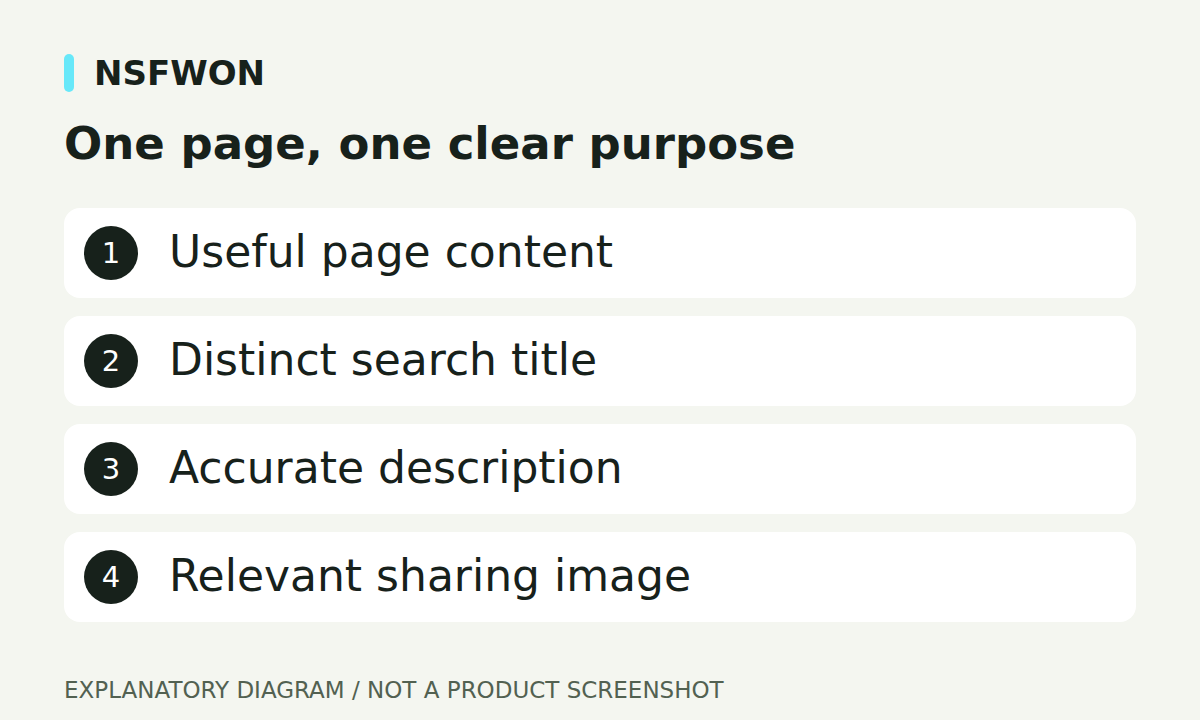
Illustration: One page, one clear purpose. This diagram explains the workflow; it is not a product screenshot.
Write descriptions that help someone choose
A description can explain who the page is for, what it offers, and why it is relevant. For example, a bakery service page can mention custom cake enquiries and the area served without repeating the location in every sentence. Character counts are editing aids, not guarantees of how a search result will appear. Google may choose a snippet from the page instead of using the supplied description. Keep your summary accurate, readable, and consistent with visible content.
Choose an image that works outside the website
Upload a clear sharing image with a recognizable brand and a short message, if text is needed. Leave breathing room around important content because previews can crop differently. Open Graph and Twitter/X sharing metadata should reference an image that can be reached publicly through an absolute URL. A file visible only in your editor is not sufficient. Use the optional sharing title and description when a social preview needs different wording, while keeping the meaning consistent with the page.
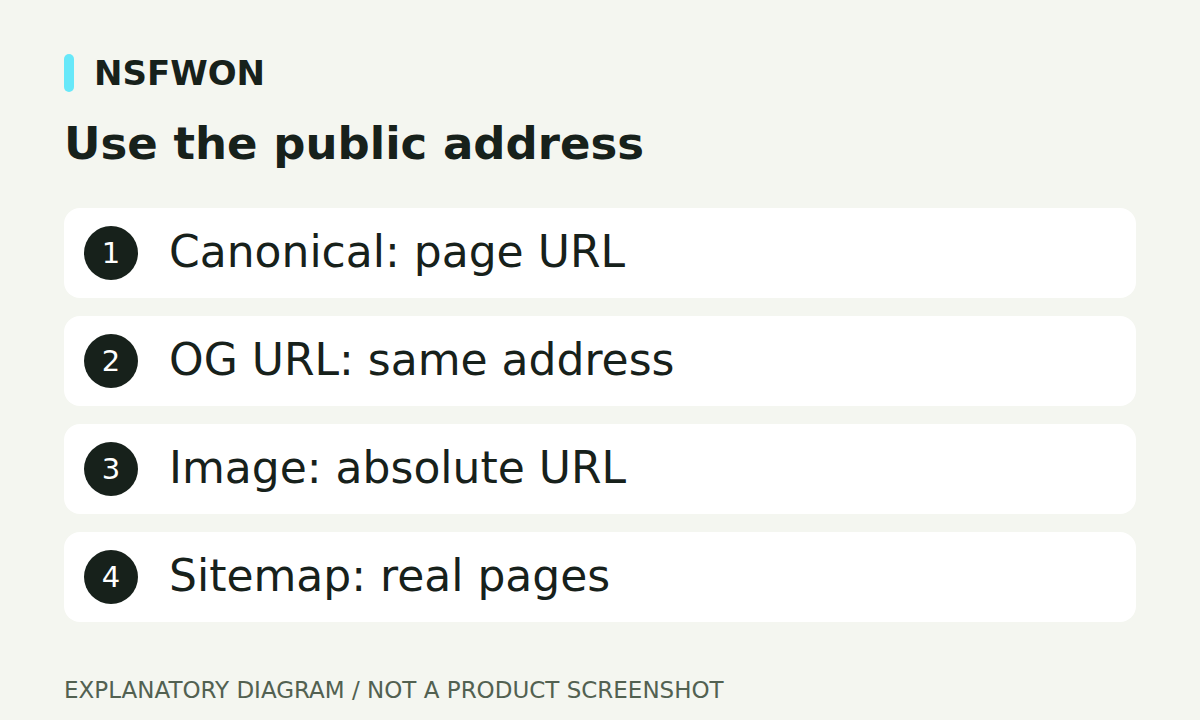
Illustration: Use the public address. This diagram explains the workflow; it is not a product screenshot.
Keep canonical URLs and sitemaps consistent
A canonical identifies the preferred public address for a page. NSFWON derives publication addresses for its SEO output, so check them after connecting or changing the representative domain. A sitemap should list genuine public pages, not section fragments such as #gallery, private workspace links, or invented routes. Google uses a sitemap to discover URLs; inclusion does not guarantee indexing. A one-page website does not need separate sitemap entries for every heading or navigation anchor.
Use a practical verification checklist
After publication, inspect the title, description, canonical, sharing image, and actual page content. Make sure internal links lead to the intended destination and that important images have useful alternative text. Structured data should reflect supported facts, not sample ratings or fictional contact details. SEO settings cannot compensate for a page that is confusing or inaccurate. Improve the content first, then use search and sharing metadata to describe it clearly. Revisit your settings when the service, brand, or page purpose changes.
Continue with NSFWON
Open NSFWON, review the current plans, or contact support. Read the related guide: Adult Website Content Planning: What to Prepare Before You Build.